Table of Contents
Why Consider a Smart Lock in 2026?
Smart locks have evolved dramatically in recent years. Today’s options offer military-grade encryption, seamless smart home integration, and convenience features that make traditional keys feel outdated.
Key Benefits of Modern Smart Locks
- Keyless convenience: Never worry about lost keys again
- Remote access: Lock and unlock from anywhere via smartphone
- Guest access: Create temporary codes for visitors or service providers
- Activity logs: Know exactly when doors are accessed
- Auto-lock features: Never forget to lock the door again
Types of Smart Locks
Keypad Smart Locks
Best for families and rentals. Everyone gets their own code—no keys to lose or copy.
Top picks:
- Schlage Encode Plus
- Yale Assure Lock 2
- Kwikset Halo
Fingerprint Smart Locks
Ultimate convenience with biometric security. Perfect for tech enthusiasts.
Top picks:
- Eufy Smart Lock Touch
- Lockly Secure Plus
- Ultraloq U-Bolt Pro
Smart Lock Retrofit Kits
Keep your existing deadbolt but add smart features. Great for renters.
Top picks:
- August Wi-Fi Smart Lock
- Level Lock+
- Wyze Lock Bolt
What to Look For
Security Standards
- ANSI/BHMA Grade 1 or 2: Ensure the lock meets residential security standards
- Encryption: AES-128 or AES-256 encryption for wireless communication
- Auto-lock timeout: Lock engages after a set period
Compatibility
- Smart home ecosystem: Works with Apple HomeKit, Google Home, Alexa?
- Door thickness: Most require 1-3/8” to 2” doors
- Existing hardware: Will it work with your current deadbolt hole?
Power Options
- Battery life: Look for 6-12 months on standard batteries
- Backup options: Physical key, external battery port
- Low battery alerts: Push notifications before lockout
Installation Considerations
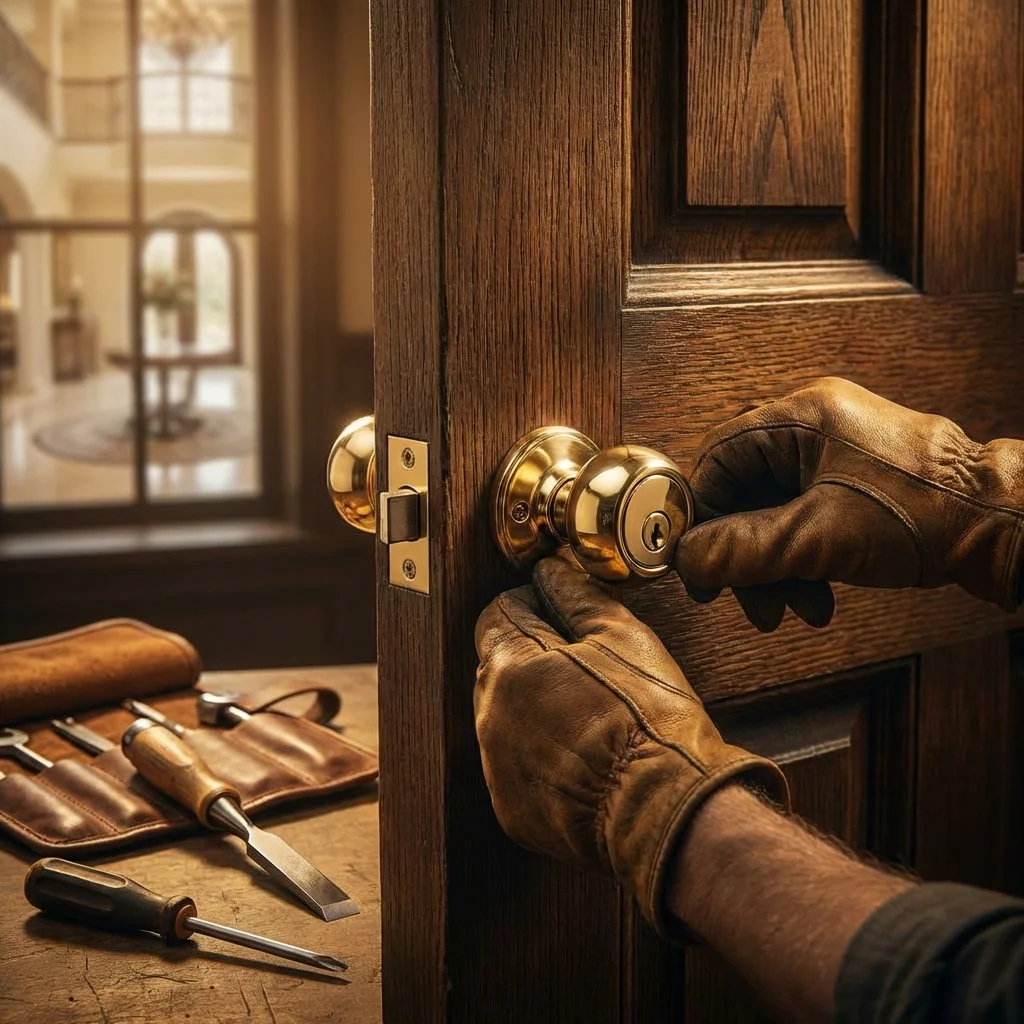
Most smart locks are DIY-friendly, but professional installation ensures:
- Proper alignment for reliable operation
- Correct programming of all features
- Integration with existing security systems
- Warranty compliance
Cost Breakdown
| Type | Price Range | Installation |
|---|---|---|
| Basic Keypad | $100-200 | DIY or $75-100 |
| Mid-Range Smart | $200-350 | DIY or $100-150 |
| Premium Biometric | $350-500+ | Recommended pro: $150-200 |
Our Recommendation
For most Northern New Jersey homeowners, we recommend the Schlage Encode Plus. It offers:
- Apple HomeKit, Alexa, and Google Home support
- ANSI/BHMA Grade 1 security
- Built-in WiFi (no hub required)
- Reliable in cold winters
Need installation help? Our technicians install and program all major smart lock brands. Schedule a consultation to find the perfect smart lock for your home.
Royal Locksmith Team
Expert locksmith and security consultant with years of experience helping homeowners and businesses protect what matters most. Passionate about sharing knowledge and empowering readers to make informed security decisions.